Creating a Project
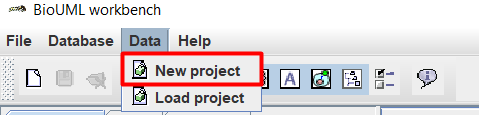
Before you start creating a model, you must create a project on the start page. To do this, on the top panel in the Data tab, select New project.
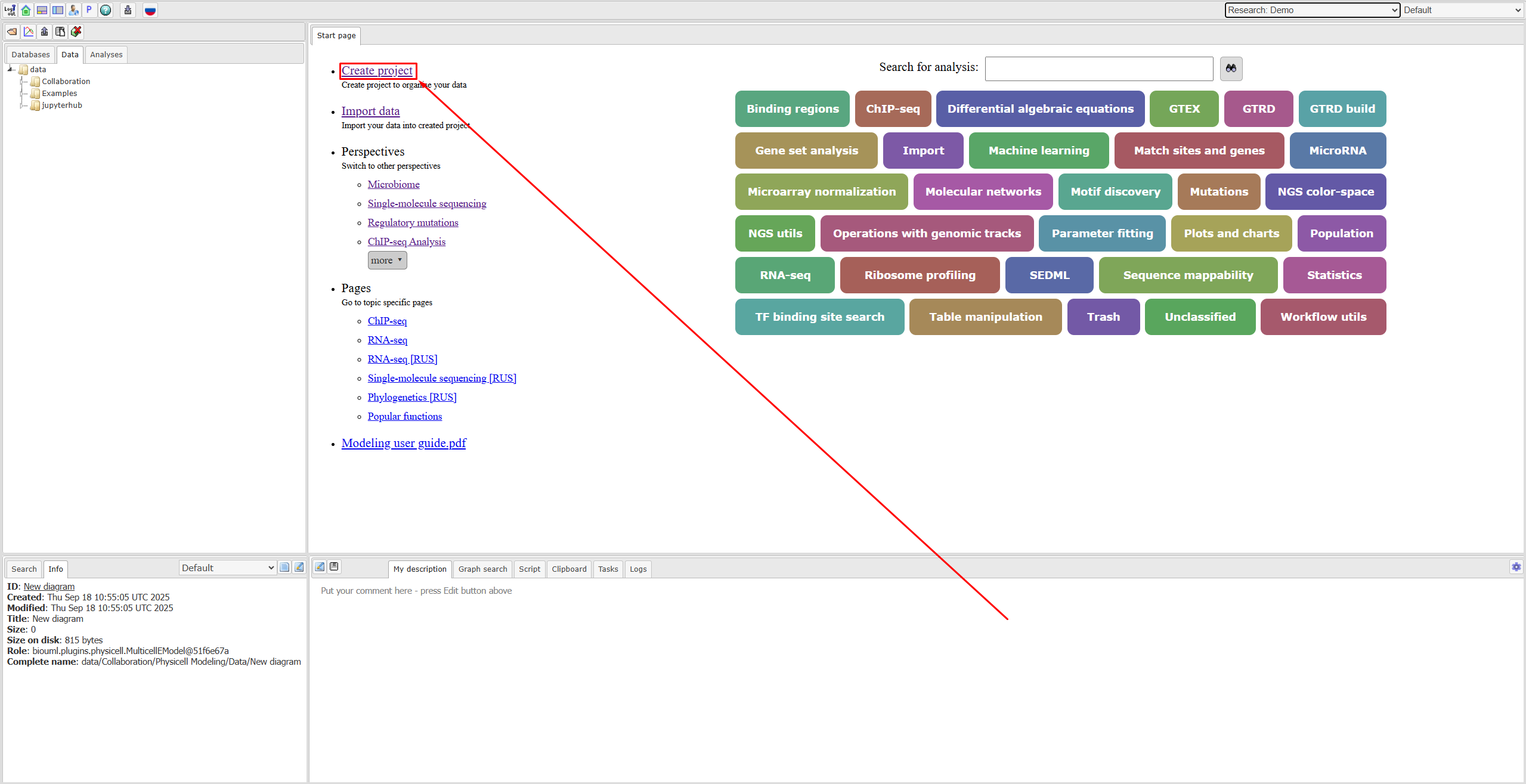
Если вы работаете в веб-версии BioUML, то на главной странице нужно нажать Create project:
After this, in the window that appears, you can configure your project:
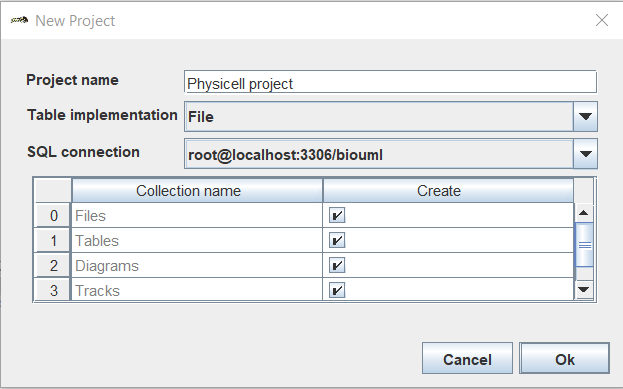
Project name,
Table implementation: File or SQL,
SQL connection,
Which directories to create in the project (place ☑ in the right places).
After setting up the project, click Ok.
Warning
Once a project is created, its settings cannot be changed.
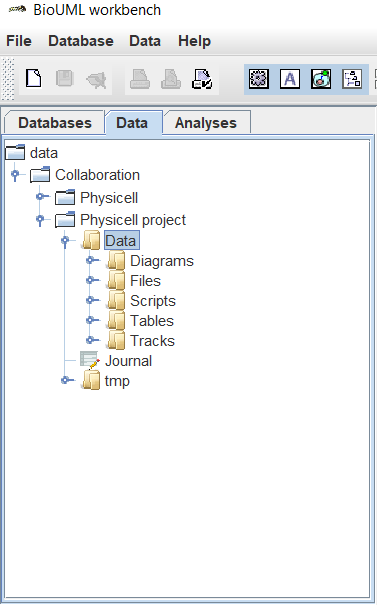
Now in the upper left part of the screen in the Data tab in the data/Collaboration folder you can see the project you created, in which all the directories selected in the previous step are located in the Data folder.
Note
After creating a project, you can create new folders within it.
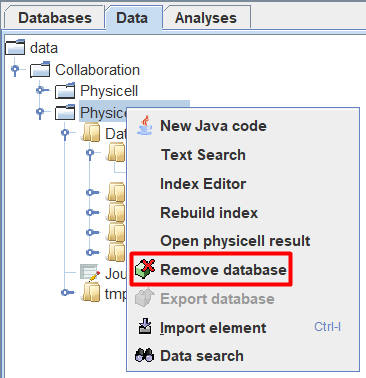
To delete a project you need to:
Right-click on the project designation in the tree.
In the drop-down list, click LMB
 Remove database.