Properties of the entire model
To edit general properties of the entire model, use the Microenvironment tab.
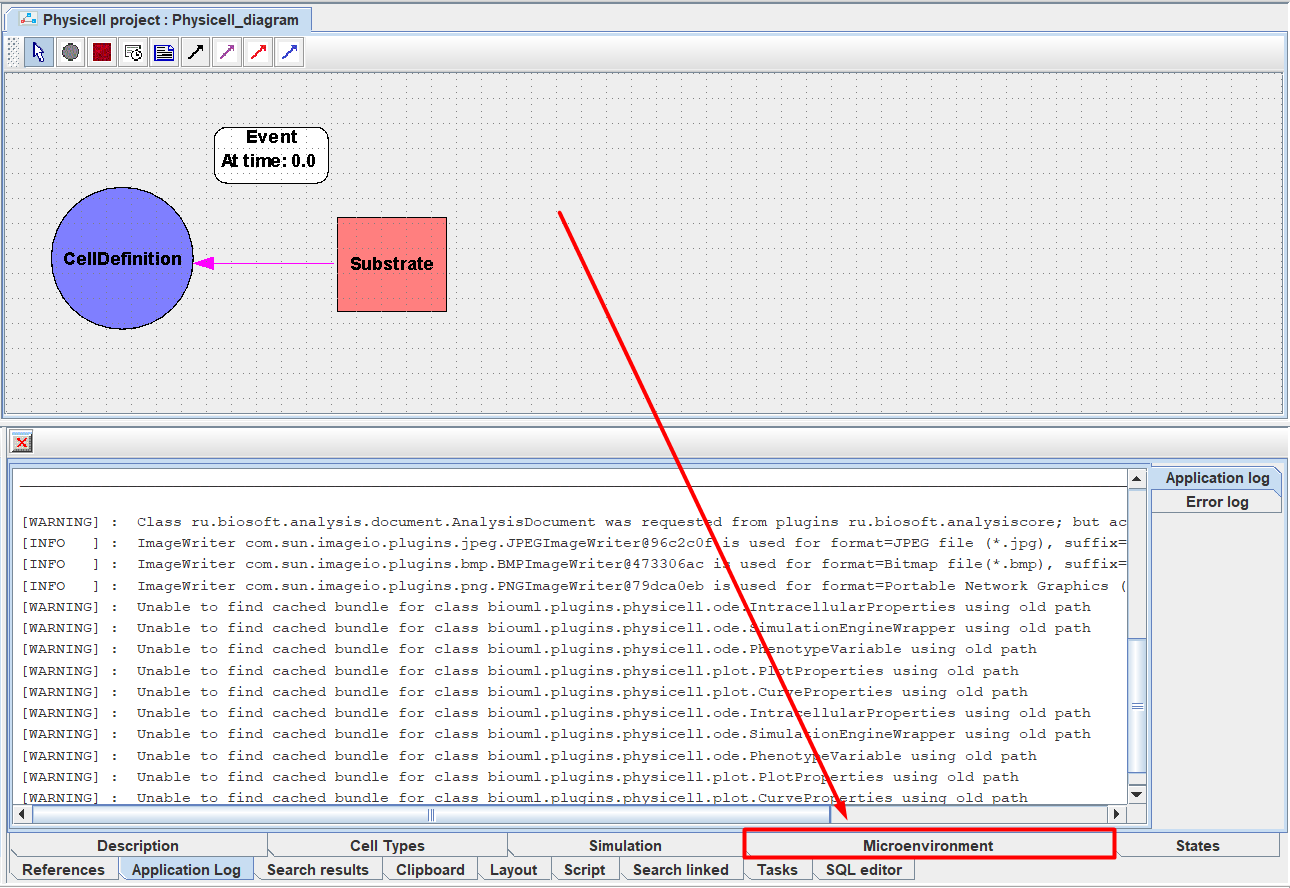
To open it, you need to click on it with LMB.
This tab contains a set of sub-tabs, each of which describes different aspects of the model:
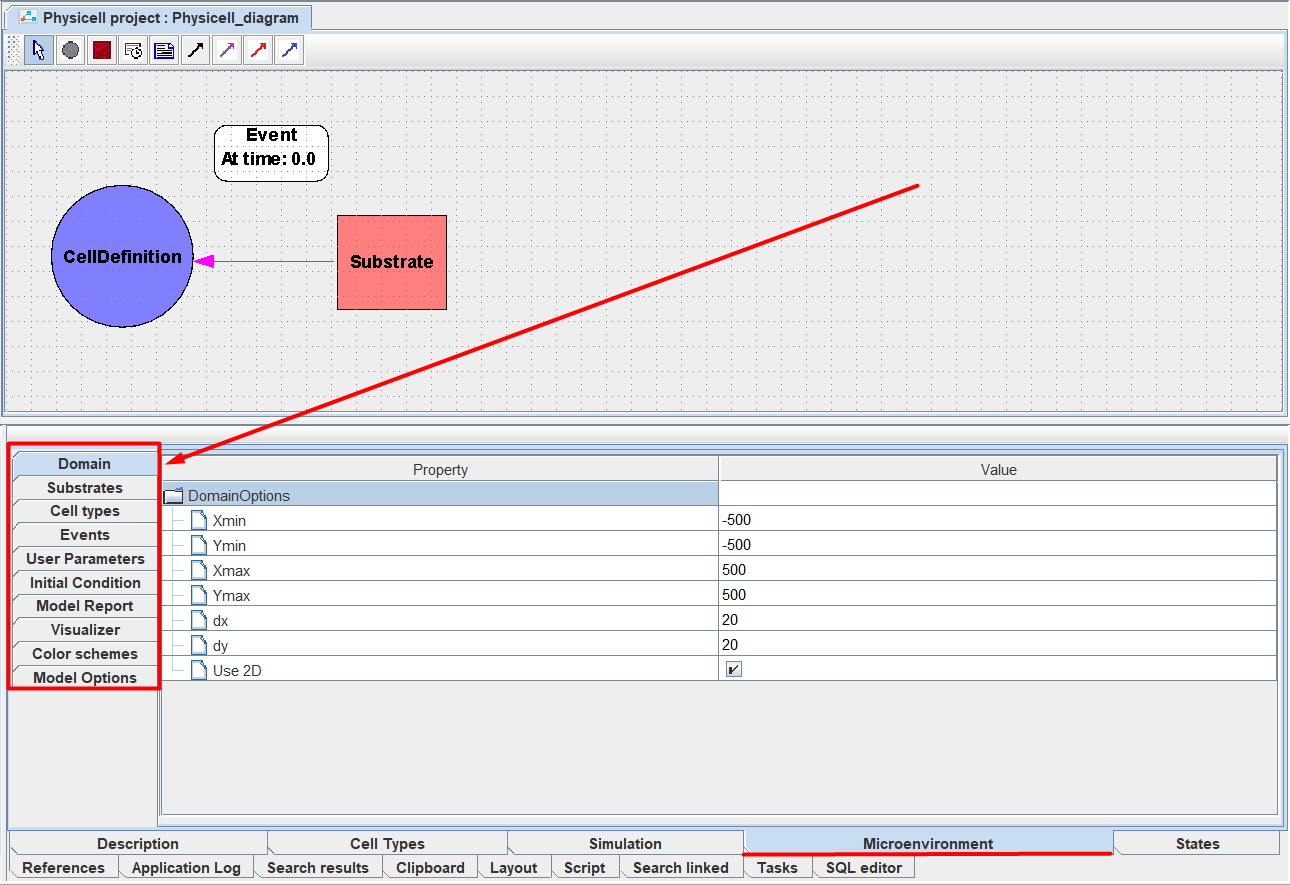
Domain: grid properties.
Substrates: substances.
Cell types: cell types.
Events: events.
User Parameters: user model parameters.
Initial Condition: initial arrangement of cells.
Model Report: model report.
Visualizer: visualization of cells.
Color schemes: color schemes.
Model Options: other model options.
To open any tab, you need to click on it with LMB.
Next, we will analyze in detail the work with each of the tabs.