Events
The Events tab contains a list of all model events along with their settings in tabular form.
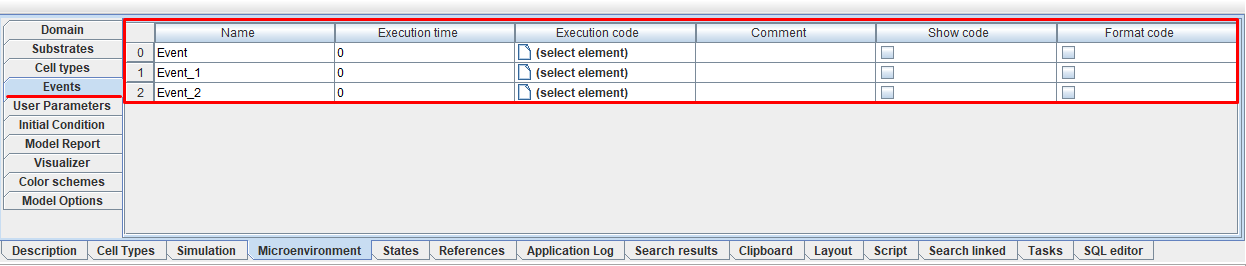
On this tab you can edit all event settings:
Name: event name.
Execution time: model time, upon reaching which the event is triggered.
Execution code: path to the Java code that is executed when the event is triggered.
Comment: comment,
Show code: select ☑ if you want to show the entire code on the model diagram.
Format code: Select ☑ if you want to format the code shown on the model diagram.
To set the value of any parameter, you need to click LMB in the cell of the line under the corresponding heading and enter your own value, indicate the path to the desired file, or mark ☑.
You can also edit event settings directly on the diagram.
Warning
You cannot add or delete new events on this tab.
Sorting events by the values of any of their settings is done in the same way as for substrates.