Cell type properties
Each cell type in the model has a specific set of properties. To configure these properties, you need to:
Select the cell type on the diagram whose properties you want to change.
In the lower right window, click LMB on the Cell Types tab.
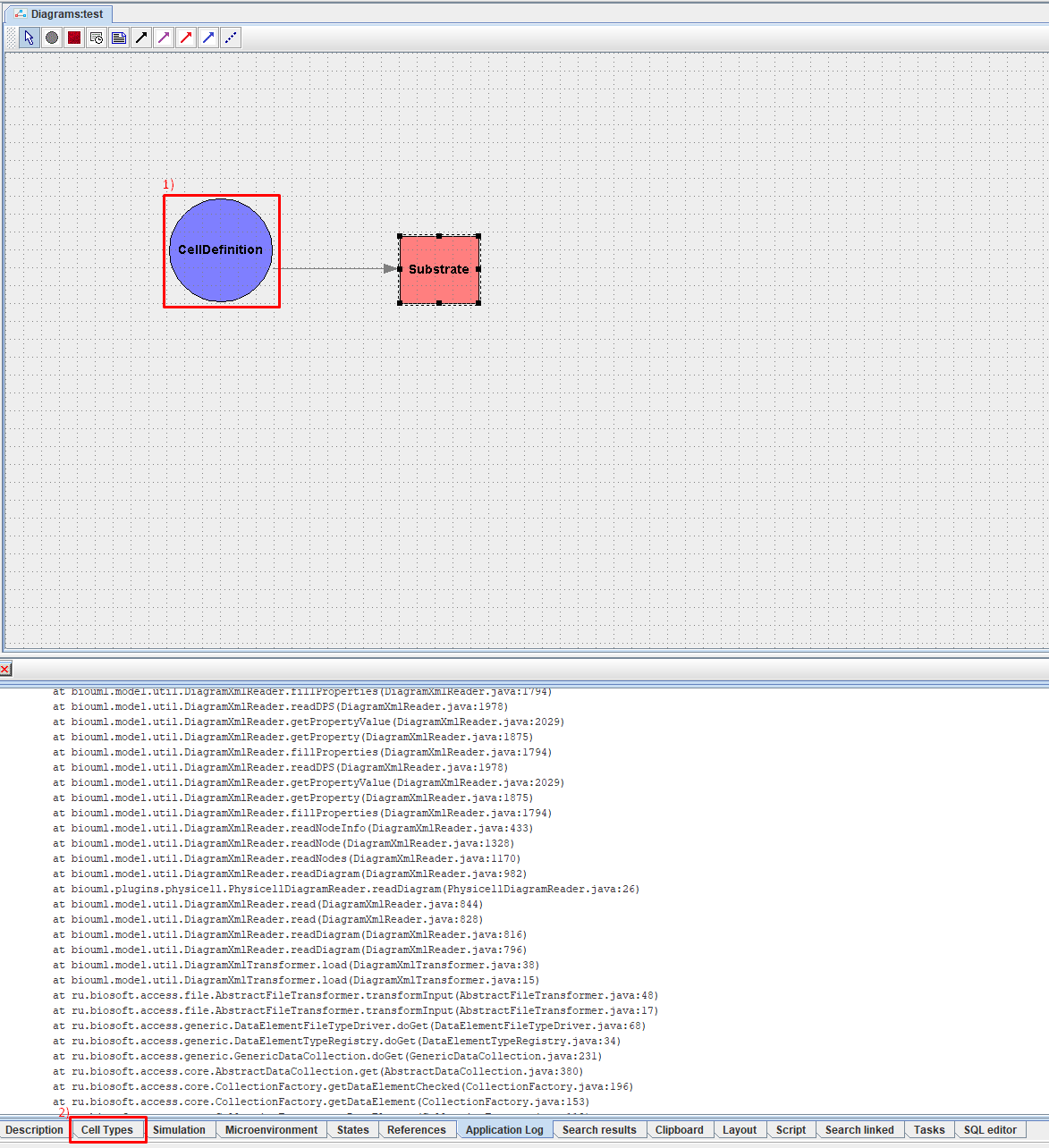
After this, in the lower right window you will see a list of cell type properties.
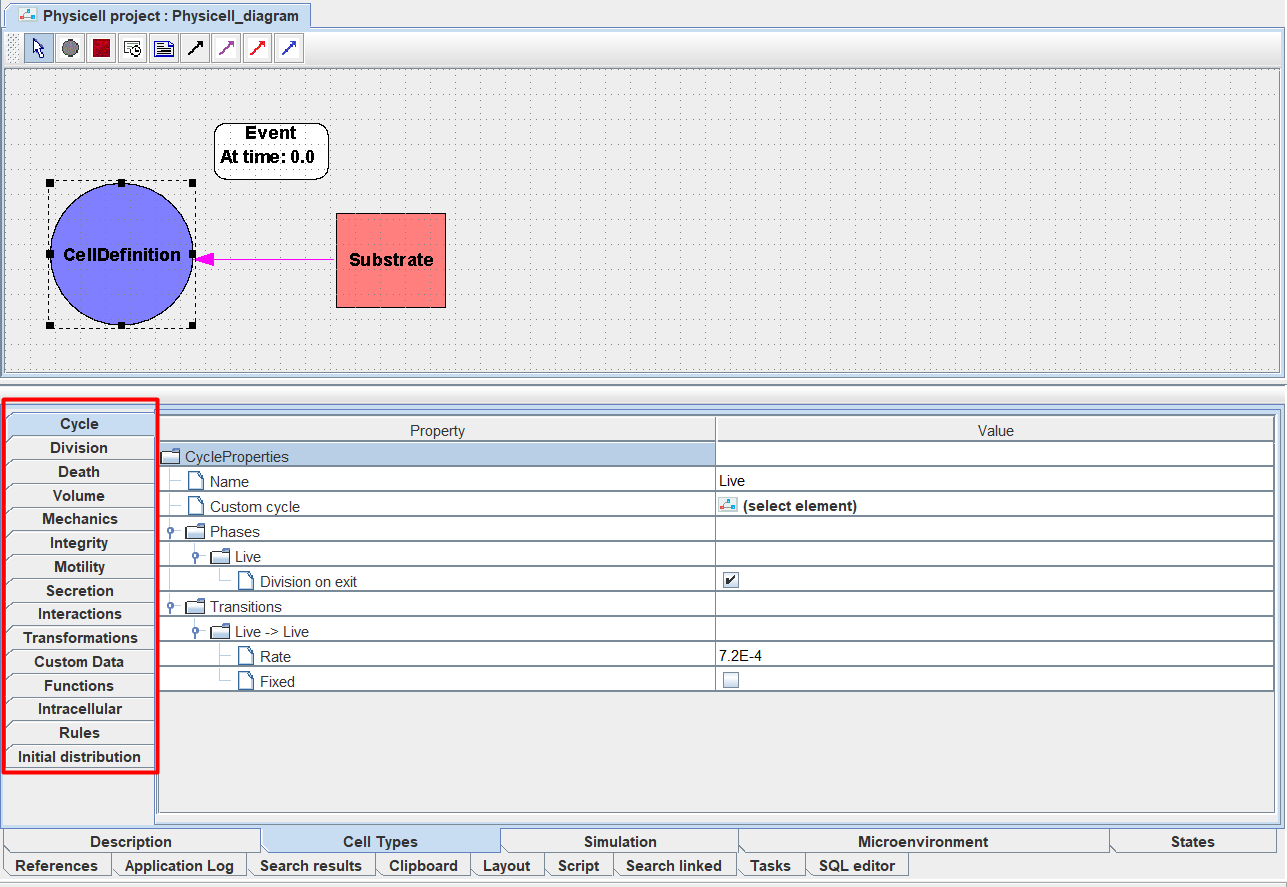
Cycle: cell life cycle,
Division: type of cell division,
Death: type of cell death,
Volume: volume of the cell and its compartments,
Mechanics: mechanical properties of the cell,
Integrity: cell integrity and damage,
Motility: cell motility,
Secretion: secretion/consumption by the cell,
Interactions: intercellular interactions,
Transformations: cell transformations,
Custom data: custom cell data,
Functions: functions that describe the behavior of the cell,
Intracellular: intracellular cell model,
Rules: rules describing the behavior of the cell,
Initial distribution: initial distribution of cell characteristics.
To proceed to editing a particular property of a cell type, you need to click LMB on the corresponding tab in the properties panel.
Important
The initial values of the characteristics are indicated here - during the calculation process for each specific cell they may change.
Next we will look at each of the properties in detail.