Cell Motility
After clicking on the Motility tab on the property panel on the right, you will see a menu in which you need to put ☑ next to  Is Motile if the selected cell type must be motile.
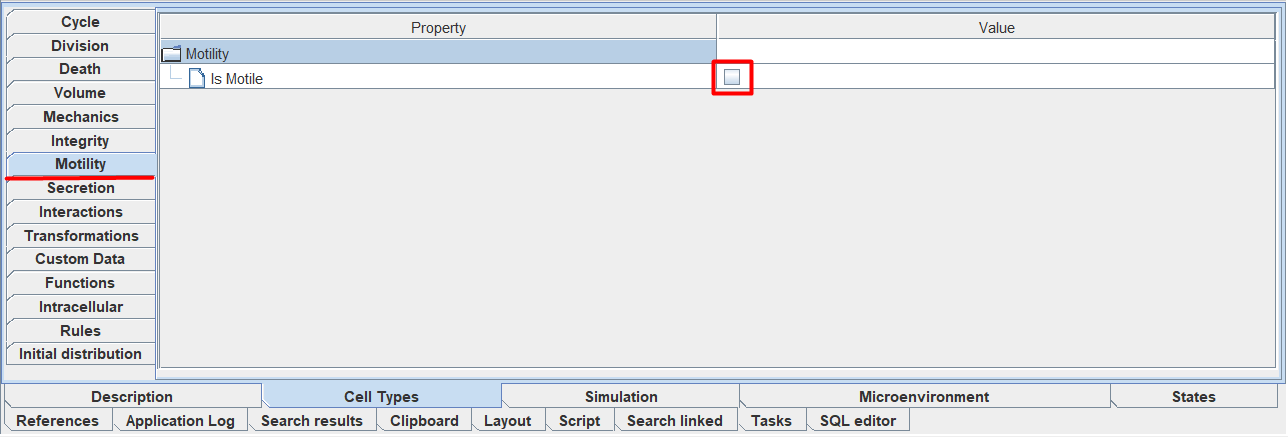
If the selected cell type should be motionless, then leave the Motility tab unchanged.
When you check that the cells of the selected type should be mobile, you will see a menu where you can configure the mobility parameters:
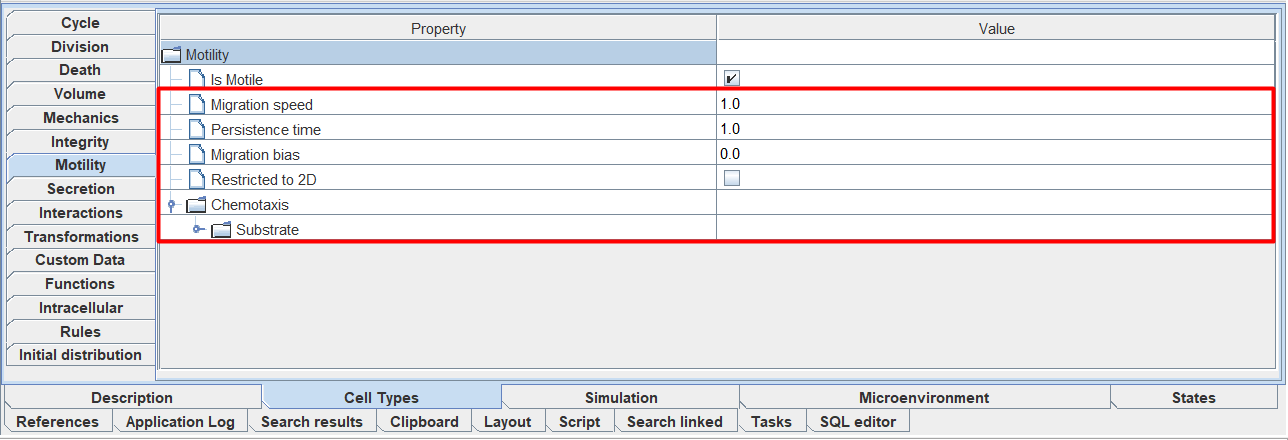
Migration speed: cell movement speed,
Persistence time: time during which the cell does not change direction of movement,
Migration bias: the tendency of a cell to move purposefully (1 - cells move only purposefully, 0 - only randomly).
Restricted to 2D: check ☑ if the cells should only move in two dimensions,
Chemotaxis: Sets chemotaxis parameters (discussed below).
In the figure above, the selected cell type in the diagram already has chemotaxis ( ), so under the Chemotaxis field there is already a field with the name of the substrate (in this case, Substrate) to or from which the cells of the selected type move. If the cells of the selected type on the diagram had several chemotaxis, then there would be several such fields (a separate field for each chemotaxis on the diagram).
By opening the tab with the name of the substrate, you can adjust the sensitivity to this substrate.
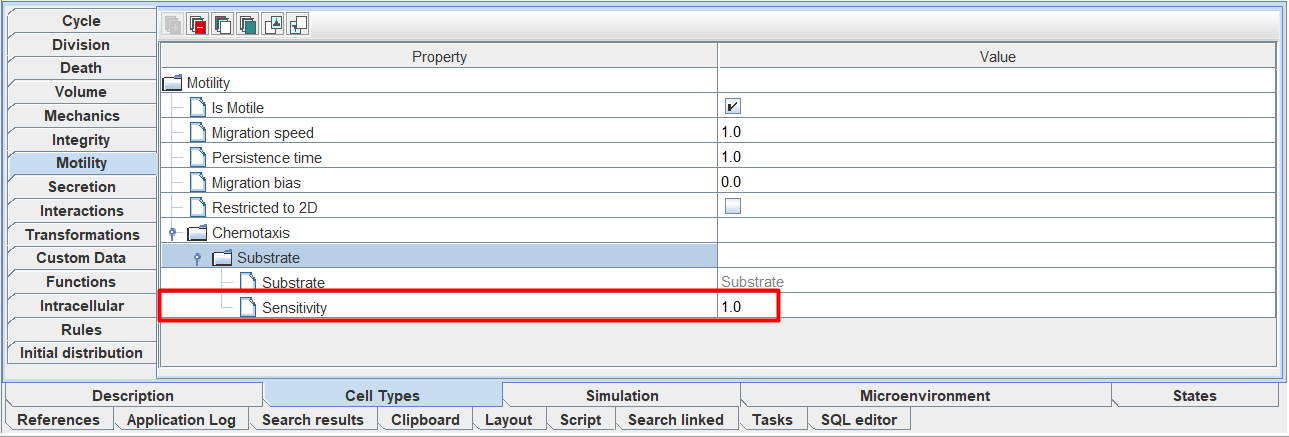
Also, the sensitivity of the cell to the substrate can be adjusted directly on the model diagram.
Important
You should not add new chemotaxis in the Motility tab - add and remove them only through the diagram.