Type of death (Death)
After clicking on the Death tab in the properties panel on the right, you will have a menu where you can change the cell death parameters.
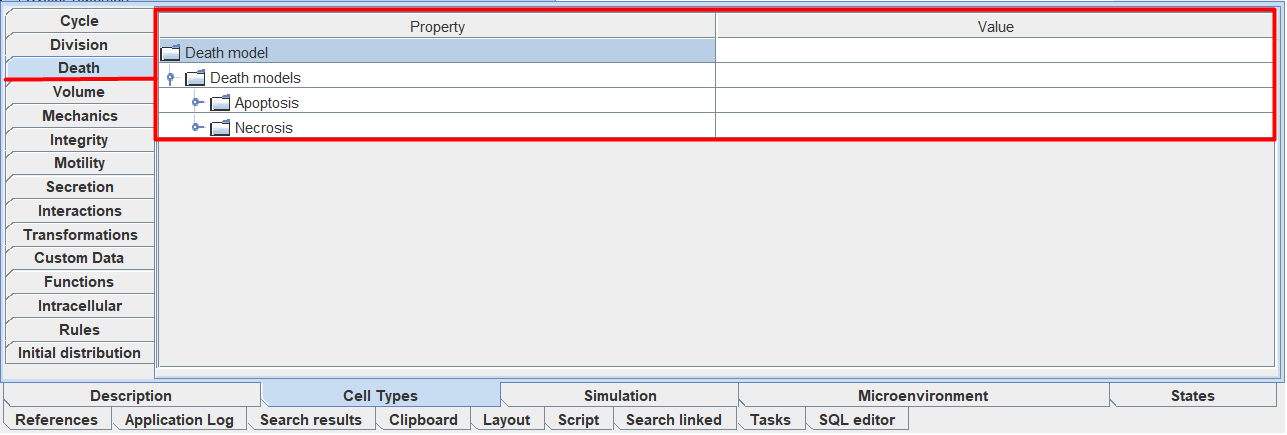
By default, a cell has two types of death: Apoptosis (apoptosis) and Necrosis (necrosis). When you click LMB on the Death models panel, the icon  will appear at the top; by clicking on it, you can add another possible type of cell death.
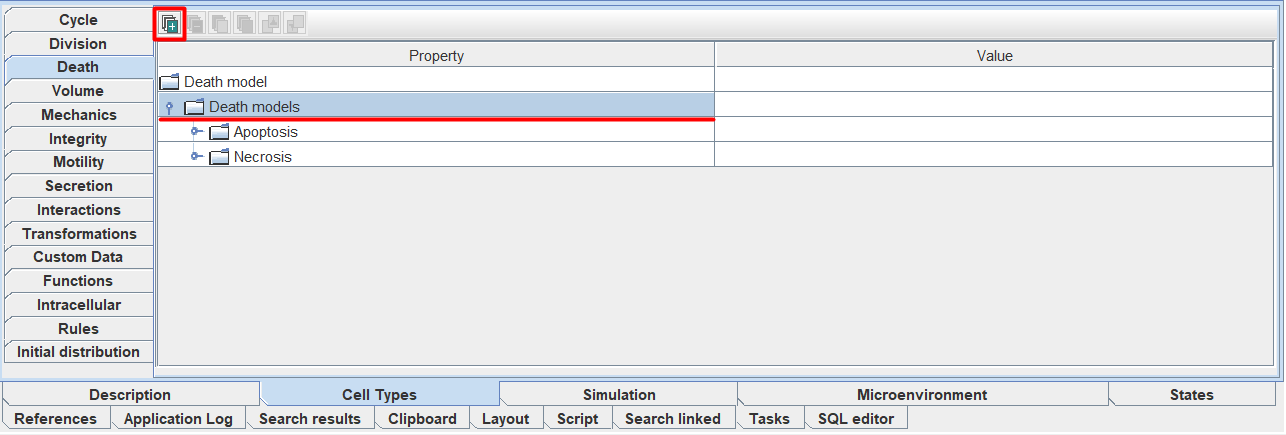
Having selected a specific type of cell death, you can use this functionality.
By opening the panel for a specific type of cell death, you can configure its parameters in detail.
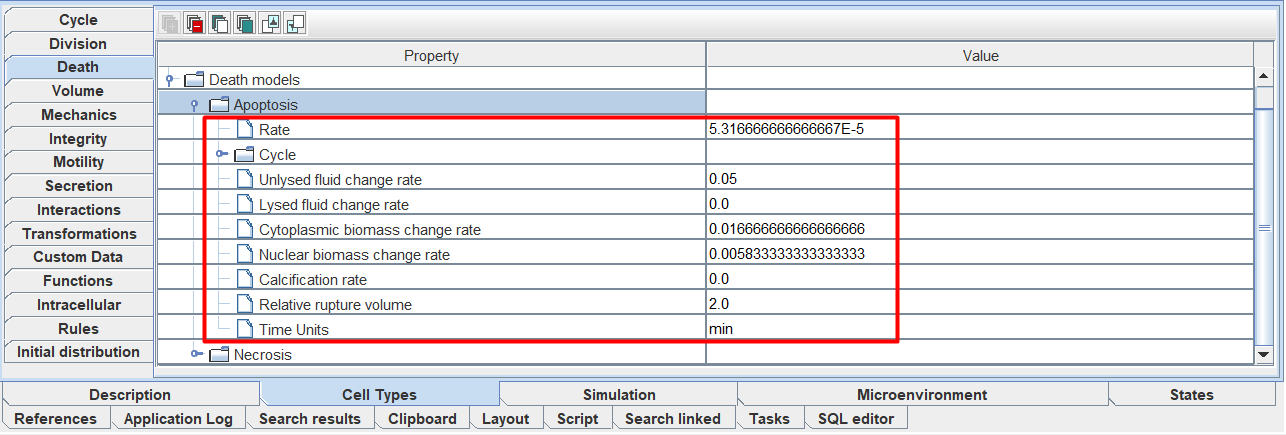
Rate: initial probability of cell death occurring,
Cycle: cell death cycle (discussed in detail below),
Unlysed fluid change rate: rate of change in cell fluid volume during apoptosis or necrosis,
Lysed fluid change rate: rate of change in cell fluid volume during necrosis (during apoptosis this parameter is 0),
Cytoplasmic biomass change rate: rate of change in cytoplasmic volume,
Nuclear biomass change rate: rate of change in nuclear volume,
Calcification rate: calcification rate,
Relative rupture volume: relative cell volume at which membrane rupture occurs,
Time Units: time units.
You can change the value of each parameter by clicking LMB on the value to the right of the corresponding parameter and entering your own value.
Next, we’ll look at how to set up the cell death cycle.
Cell death cycle (Cycle)
To configure a cell death cycle, you need to expand the Cycle tab of a specific cell death type.
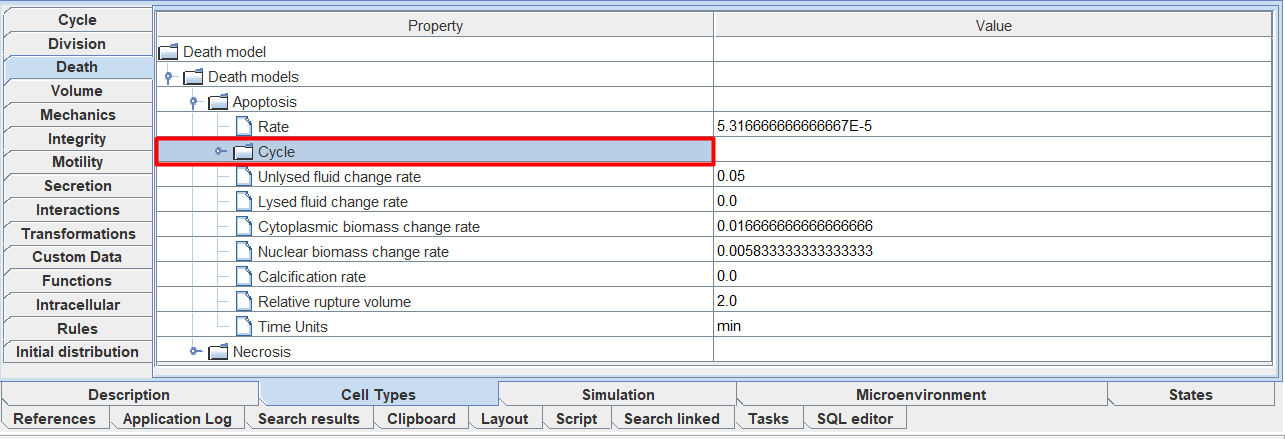
After this, you will have new fields that can be edited.
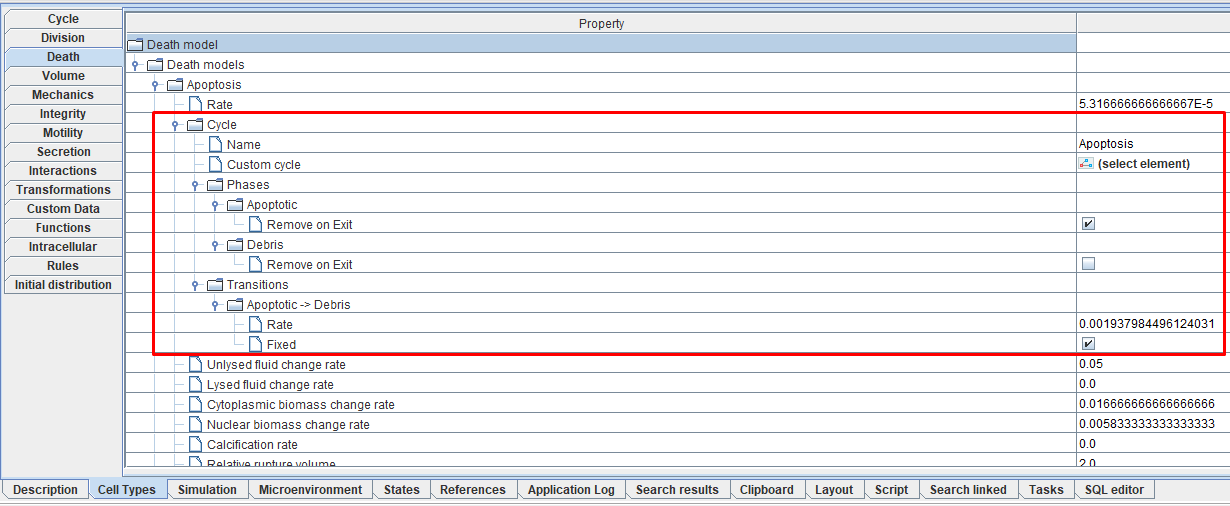
Name: name of the cell death cycle,
Custom cycle: path to the model describing the custom cell death cycle (must be specified if «Custom...» was selected in the previous paragraph),
Phases: phases of the cell death cycle,
Transitions: transitions between phases of the cell death cycle.
Setting up phases and transitions occurs using this functionality.
When you open any of the Phases field tabs, the icon  Remove on exit appears. Check ☑ if you want the cell to disappear from the model when leaving this phase.
When you open any of the Transitions field tabs, two icons will appear:
- Rate: rate of transition between the corresponding phases of the cell death cycle (can be changed by clicking LMB on the number and entering your own value),
- Fixed: Check ☑ if you want the transition time between the corresponding phases of the cell death cycle to be fixed.
Note
When the Fixed property is specified, the transition between phases of the cell death cycle occurs exactly \(1/Rate\) time units after the start of the phase.
If Fixed is not specified, then the transition occurs on average \(1/Rate\) time units after the start of the phase. This is modeled as follows: during each step of the agent (cell), a transition can occur with the probability \(Rate*Phenotype \, dt\), where Phenotype dt is the model time step with which the internal state of the cells is updated (set in the model simulation settings).