Custom cell data
User data is used to expand the list of cell parameters and can be used in Java code, an intracellular ODE model, or rules describing cell behavior.
After clicking on the Custom data tab in the properties panel on the right, you will have a menu where you can edit the cell’s custom data.
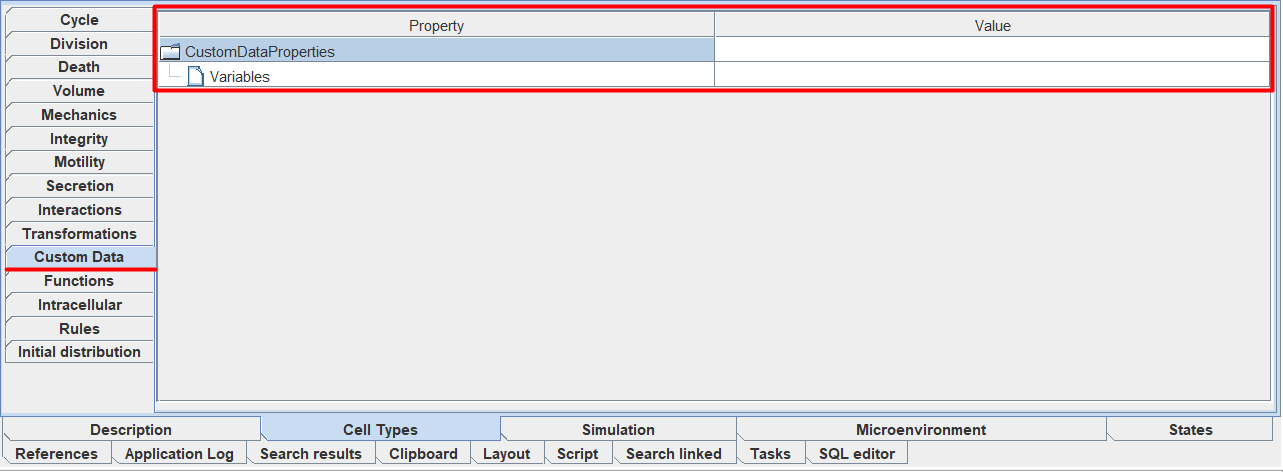
To add new data, you need:
Click LMB on the tab
 Variables.
Click LMB on the
 icon.
icon.
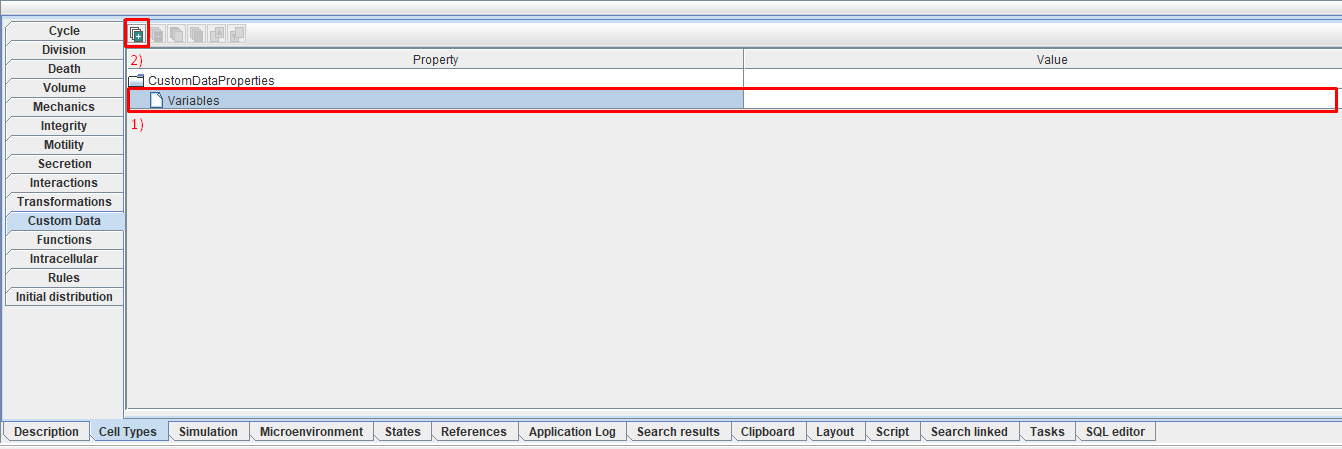
This way you can add as much custom data as you want for the selected cell type.
After this, a new tab will appear in which you can edit the following parameters:
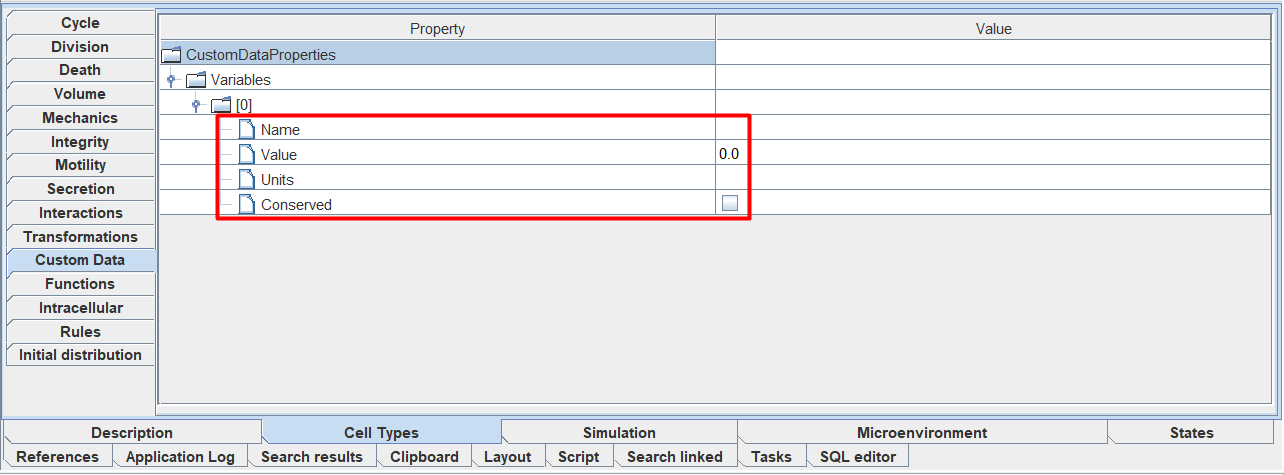
Name: parameter name,
Value: initial value of the parameter,
Units: parameter units (optional),
Conserved: check ☑ if you want this parameter to obey the law of conservation of mass during cell division.
You can change the value of each parameter by clicking LMB on the value to the right of the corresponding parameter and entering your own value.
To work with existing cell user data, use this functionality.