Model simulation
To set up and run the simulation of the model, you need to click LMB on the Simulation tab.
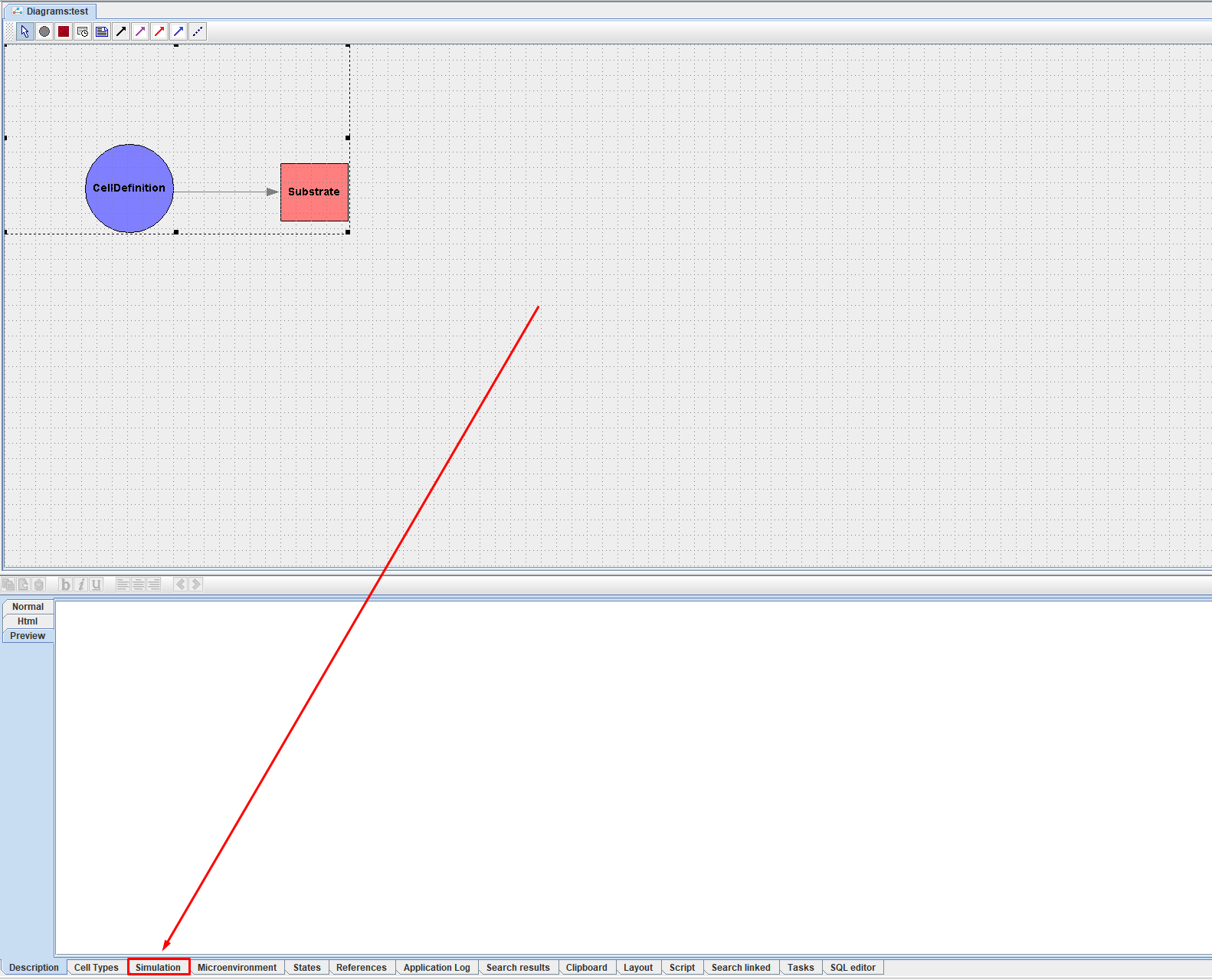
After this, in the lower right corner of the screen you will have a panel for setting up the model simulation.
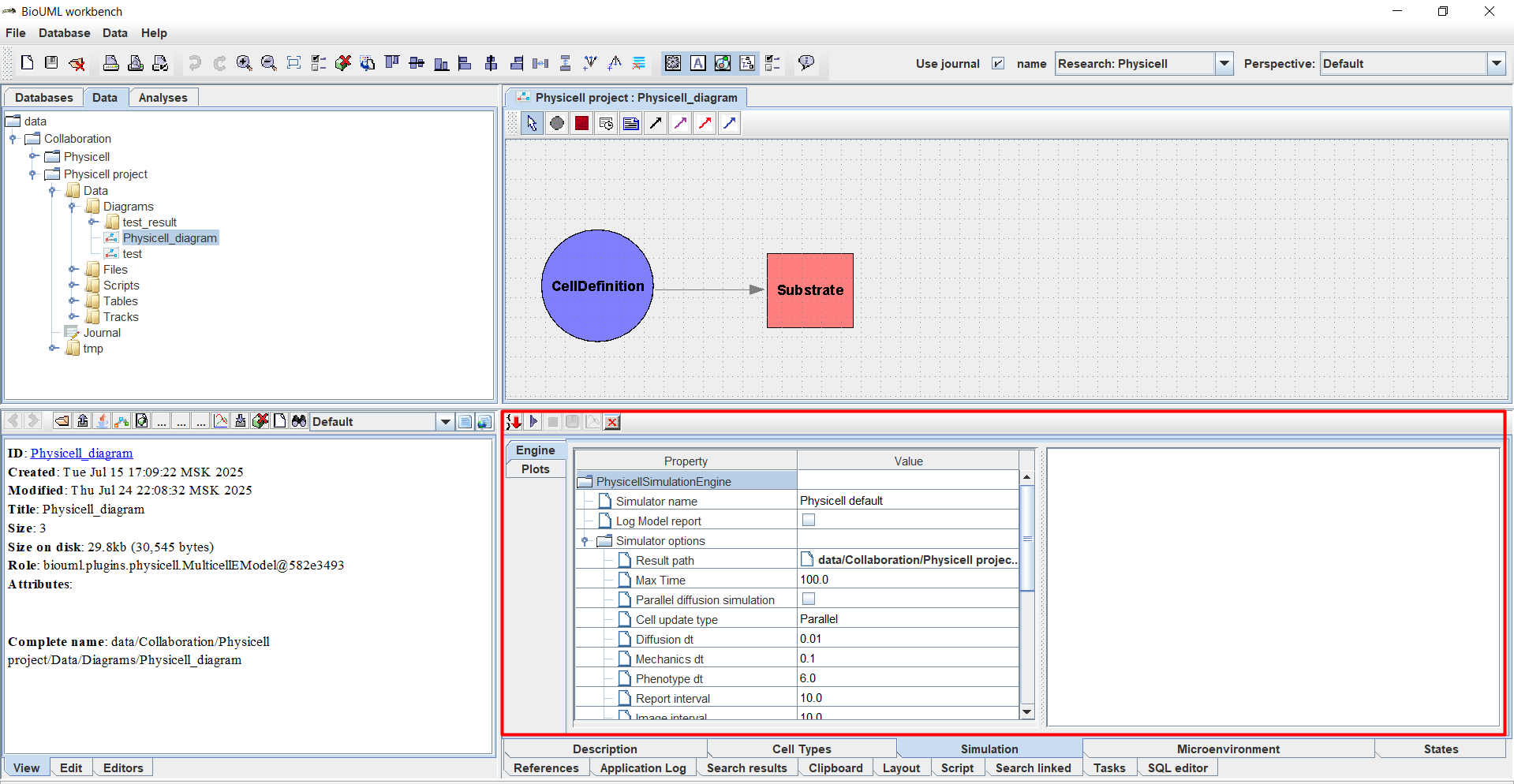
On this tab you can select several areas:
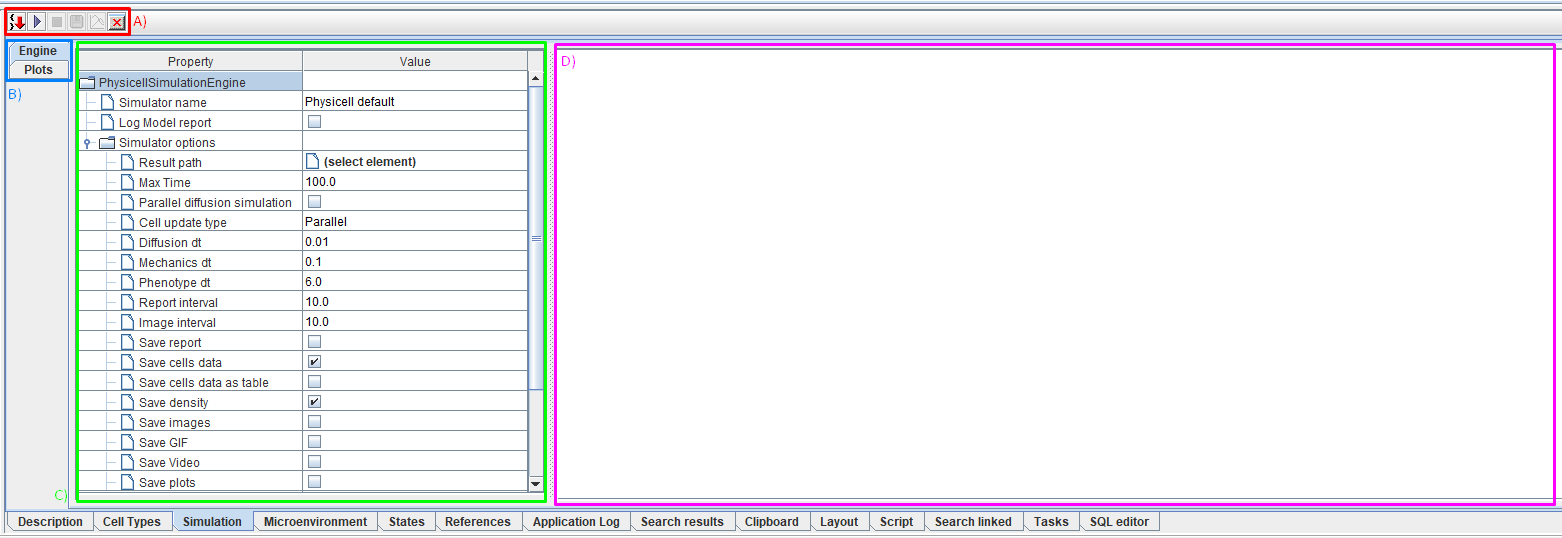
Buttons to control the simulation process (A).
Tabs for switching between settings for simulation parameters (Engine) and a menu for adding variables for display on a graph (Plots) (B).
Area for editing simulation parameters (Engine) and menu for adding variables for display on a graph (Plots) (C),
Log output area (D).
Below we will look at each of these areas in detail.