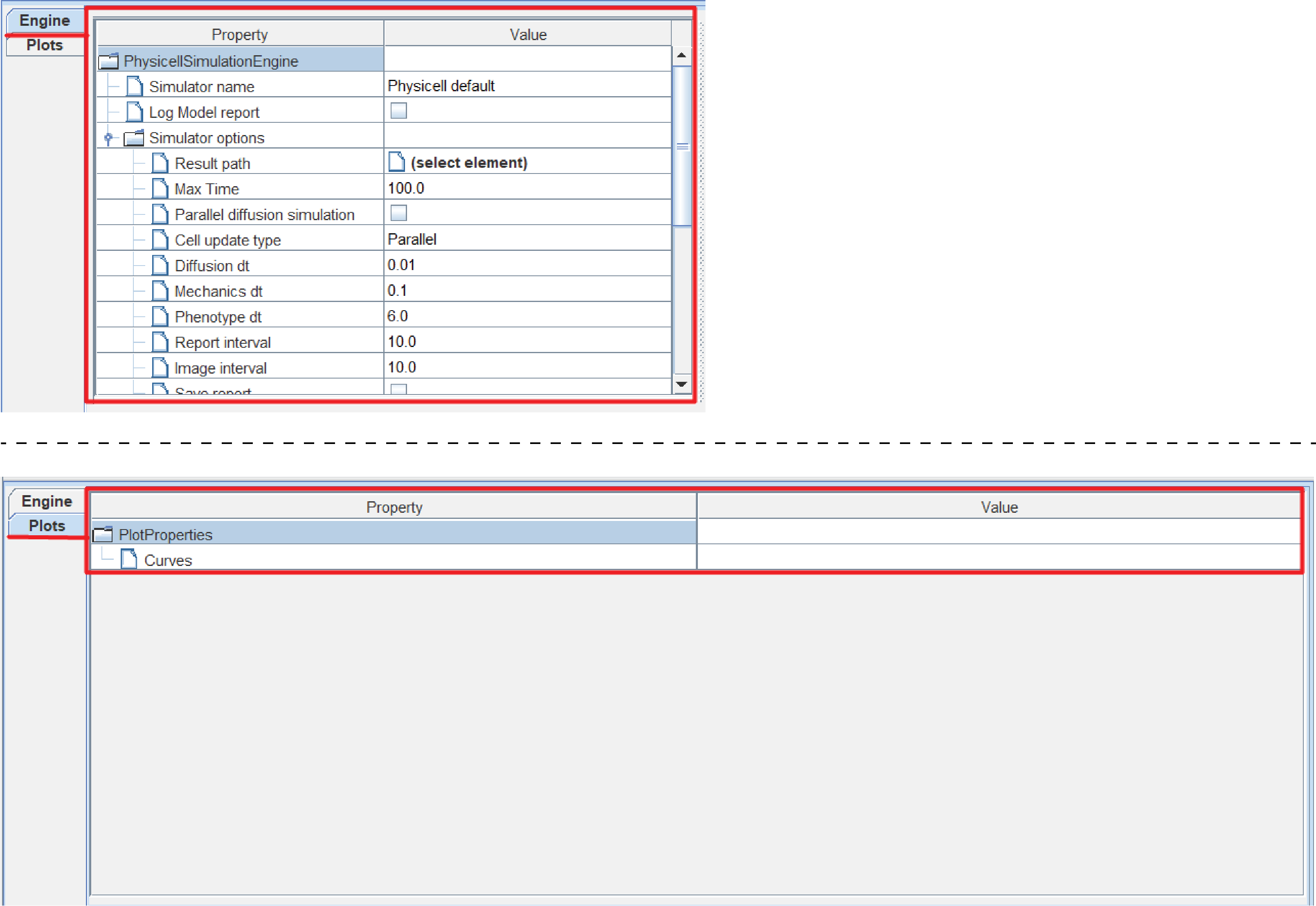
Tabs for switching between simulation parameter settings (Engine) and the menu for adding variables for plotting (Plots)
Tabs for switching between simulation parameter settings (Engine) and a menu for adding variables for plotting (Plots) are located on the left side of the simulation settings panel.

To select one or another tab you need to click on it with LMB.
Switching between tabs changes the set of options in the editing area.
Note
When you switch to the Plots tab, the log output area on the right disappears.